Install Hardwood Spades
Free to play · this is where every tour is played
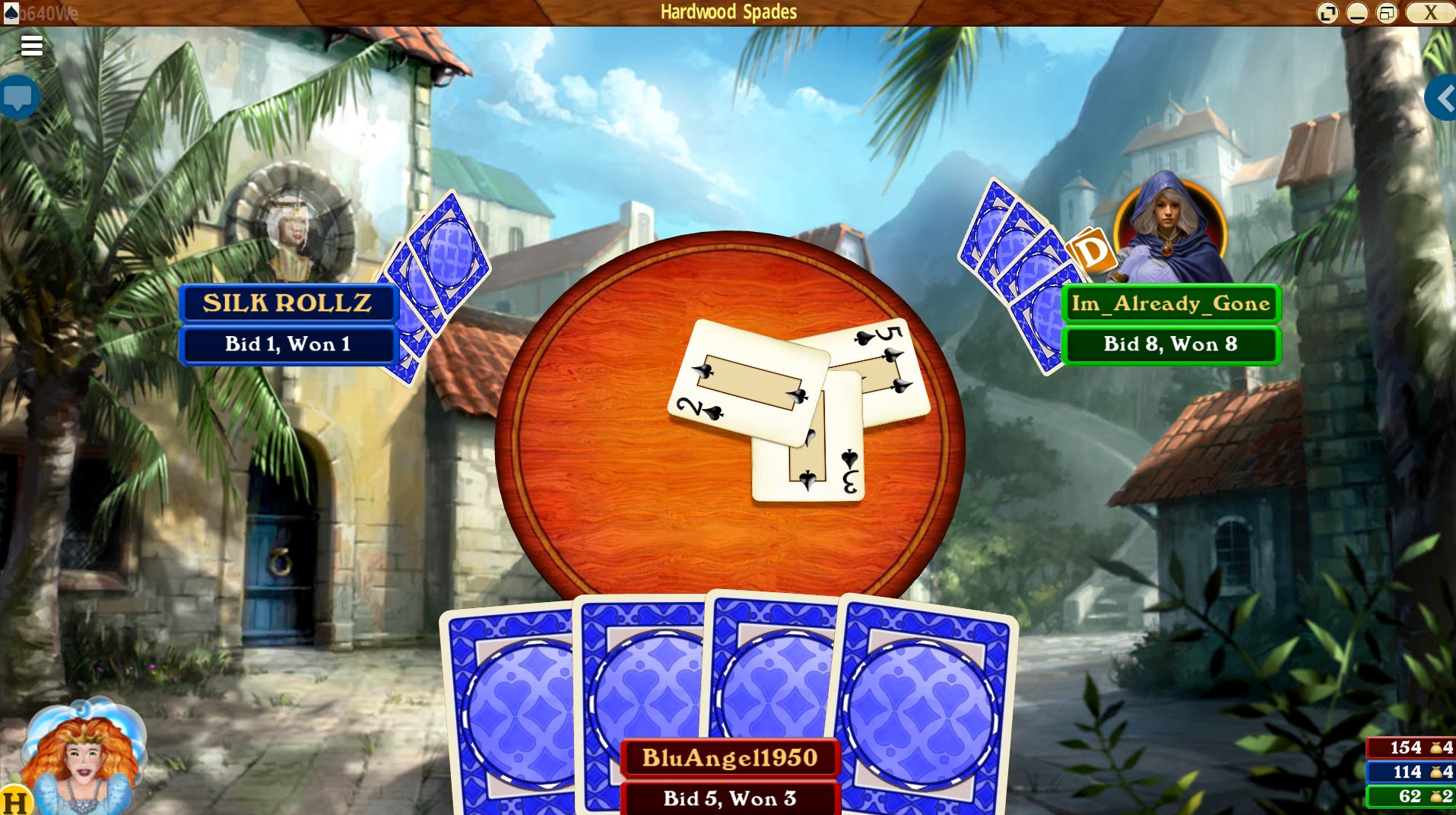
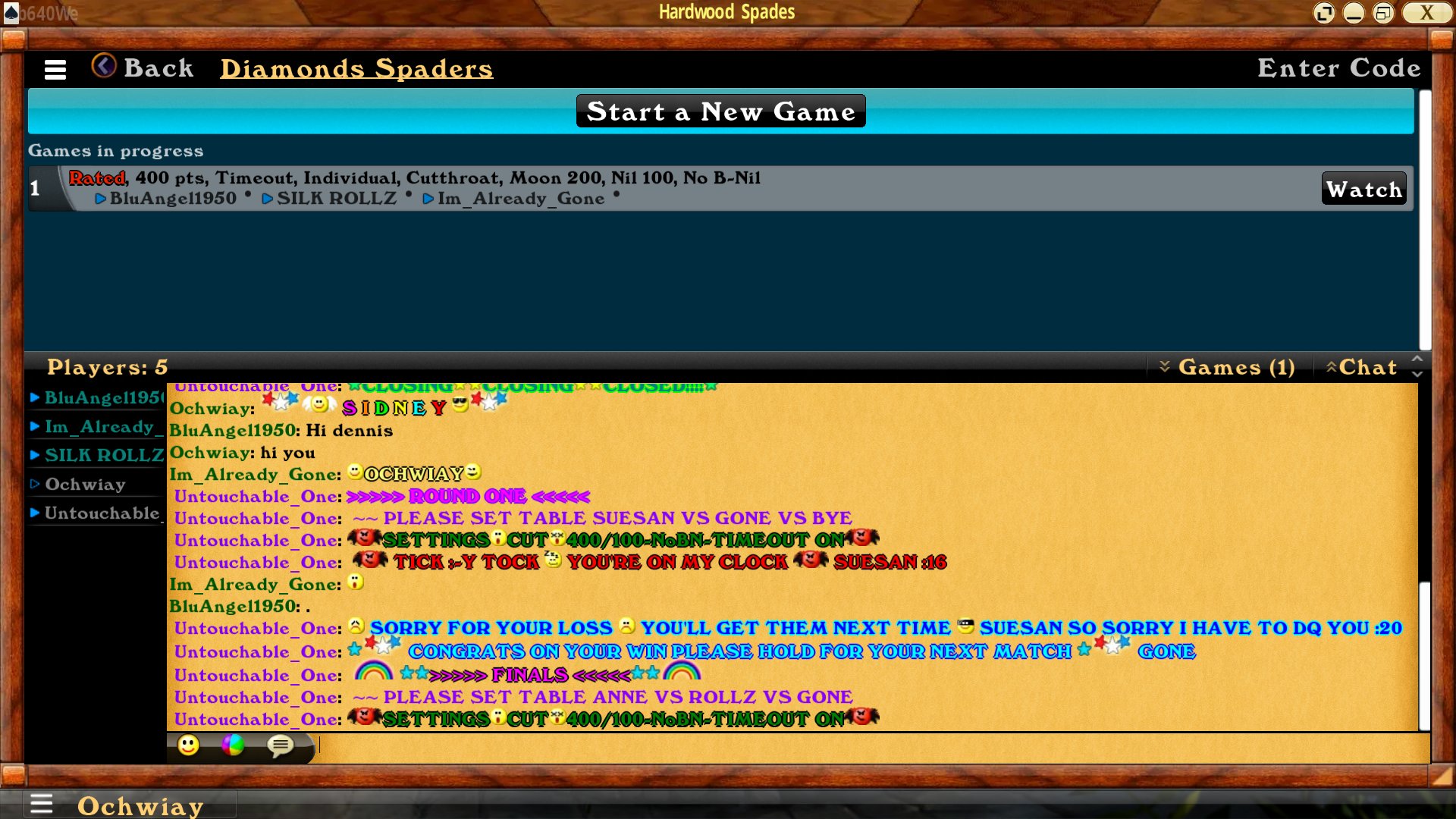
Install the game, open it, and create your Hardwood account. Remember your username — you will use the same name on MyLeague.
Join Diamond Spaders
Our league lives on MyLeague.com · free
- Open the Diamond Spaders league page.
- Click FREE Sign Up (top menu) to open the “Join diamondspaders” form.
- Pick a Username — use the same name you use in Hardwood Spades so the TDs can find you.
- Enter a password (min 8 characters, letters & numbers), your birthday and email, then click Join MyLeague and finish the second step.
Register for a tour
Sign up before the start time · times are Eastern (ET)
- Go to diamondspaders.online. Upcoming tours are listed with their start time, format (CUT, SINGLES, PARDS…) and TD.
- Click JOIN next to the tour you want. It opens that tour on MyLeague (log in if asked).
- Click (Register) before the start time.
- If the tour shows a check-in, check in as soon as it opens.
Instructions for play
Short & practical
- Be online in Hardwood Spades a few minutes before start time, logged in with the same username you registered with.
- Go to Multiplayer and head to the DiamondSpaders game room / tournament lobby.
- Follow TD instructions. Do not set a table or sit at a table until you are told to do so.
Questions? Ask the tour’s TD or a league admin on the league page.

 HOME
HOME NEW PLAYER GUIDE
 TOURNEYKING
 DA GREAT HOUDINI
 GOOGLE DOCS
 GOOGLE DRIVE
 HOW TO CREATE A TOURNAMENT
 COPY & PASTE, WINDOWS CLIPBOARD